In Vancouver, BC, monitoring is a chain: signal, verification, then dispatch if needed. This guide shows the steps, what can slow it down, and what you can fix today. For cost basics, see alarm monitoring pricing.
Quick overview
- You miss the verification call, so dispatch pauses.
- The passcode is wrong, so the event can’t be confirmed.
- Your address notes are missing (unit, gate, buzzer).
- False alarms stack up and create stress and extra steps.
In this guide
- A clean contact list and passcode make verification faster.
- Clear site notes help responders find the right door.
Simple version (do this first):
- Answer unknown numbers during alarm hours.
- Keep 3 keyholders on file.
- Use one passcode everyone knows.
- Write access notes: unit, gate, buzzer, pets.
TL;DR
- Fast verification is the real “response time” you can control.
- Missed calls and bad notes are the biggest slowdowns.
- Update contacts, passcodes, and access notes today.
What alarm monitoring means in Vancouver
An alarm monitoring system watches for signals from your sensors. When it triggers, a monitoring station tries to confirm if it is real before calling for help. If you need local setup help, start with Alarm system monitoring services Vancouver BC.
Context (what matters in this situation):
- Signals can be burglary, panic, or fire.
- Verification can be phone, text, or app.
- Your keyholder list tells them who to call.
- Bad address notes can slow everything down.
What happens after your alarm trips
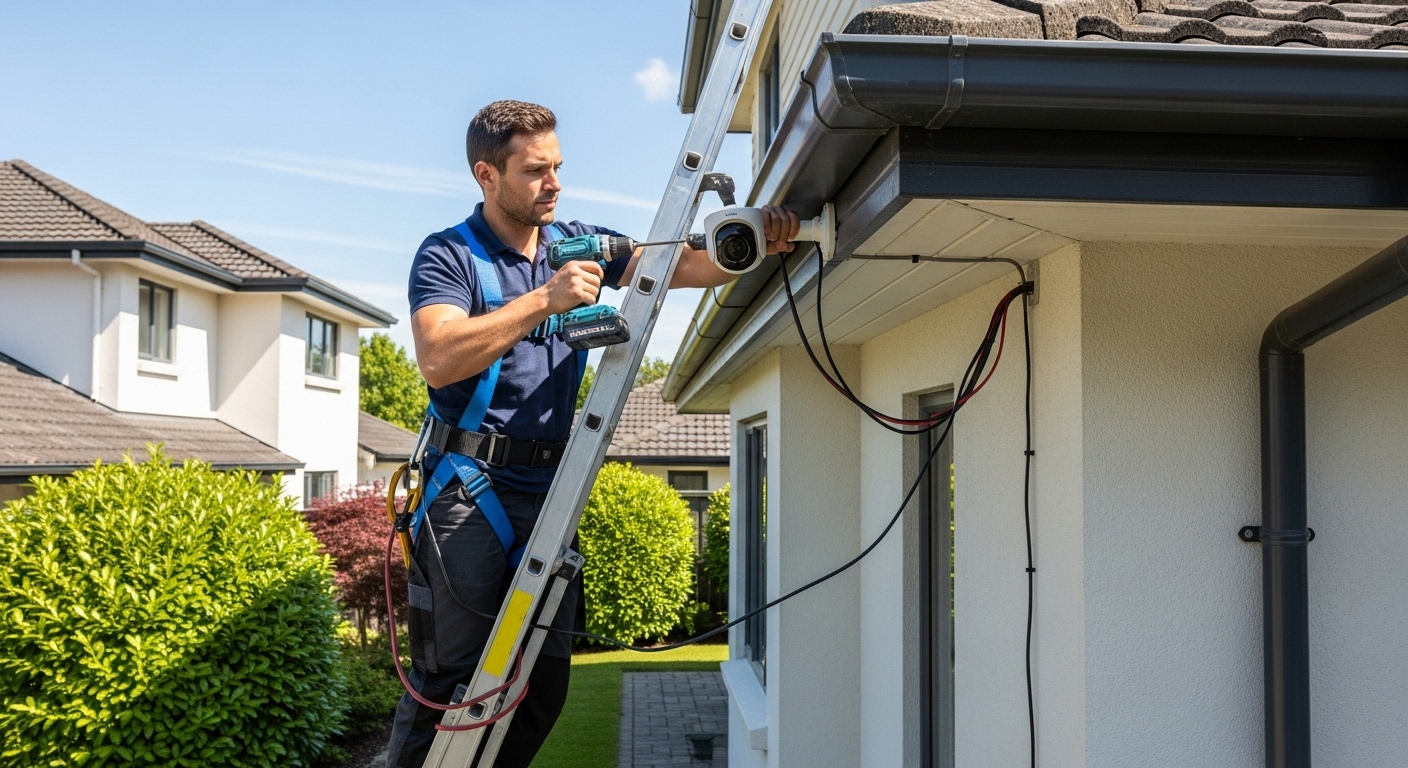
Here is the normal flow for a home or business in Vancouver, BC. If you are still installing gear, Alarm system installation services Vancouver BC can help you set it up right from day one.
What this usually looks like (real-world flow):
- The sensor sends a signal to the monitoring station.
- The station opens your site profile (address and notes).
- They try your first contact and ask for the passcode.
- If no answer, they try the next contacts on the list.
- If it looks like an emergency, they request dispatch.
Details to confirm (so you get the right help fast):
- Your call order matters: who gets called first.
- Your notes matter: unit number, gate code, best door.
- Your passcode matters: wrong code slows verification.
What you should get as the outcome:
- Verified emergency: dispatch is requested.
- Not verified: more call attempts may happen first.
- False alarm: you reset, and the event is logged.
Real response times: what changes them
You can’t control traffic or dispatch queues, but you can control verification speed. If you want to avoid city fees, read false alarm fine tips.
Limits / constraints (what can slow things down):
- No answer = more call attempts before help is requested.
- Wrong passcode = treated as not confirmed.
- Old keyholders = time wasted calling dead numbers.
- No access notes = responders may wait outside.
Hidden costs to watch for:
- Service calls if a sensor or panel is failing.
- Repeat false alarms can lead to permit trouble.
- After-hours support time if issues happen at night.
- Lost time for staff if the alarm keeps going off.
What to do next
If you want flexible service, see month-to-month alarm monitoring. Then use the checklist below so your next alarm is easier to verify.
- Make a 3-person keyholder list and test it.
- Add clear notes: unit, buzzer, gate, and pet info.
Our recommendations
Start with verified monitoring: Alarm system monitoring services.
Use two ways to reach you (call text) in your profile.
Keep your passcode short and easy to say on the phone.
Add entry notes for parkades and back doors.
Test monthly and after any phone number change.
Train everyone who arms and disarms the system.
Safety steps when the alarm triggers
Stay calm. If you think it is real danger, get to a safe spot first. Good sensor placement also helps, like Motion sensor installation services.
A good option is:
- Check your app to see which zone tripped.
- If you are outside, don’t go back in until it feels safe.
- Answer the verification call and give the passcode.
- If it is a false alarm, reset and note what caused it.
- Update contacts and notes right away after the event.
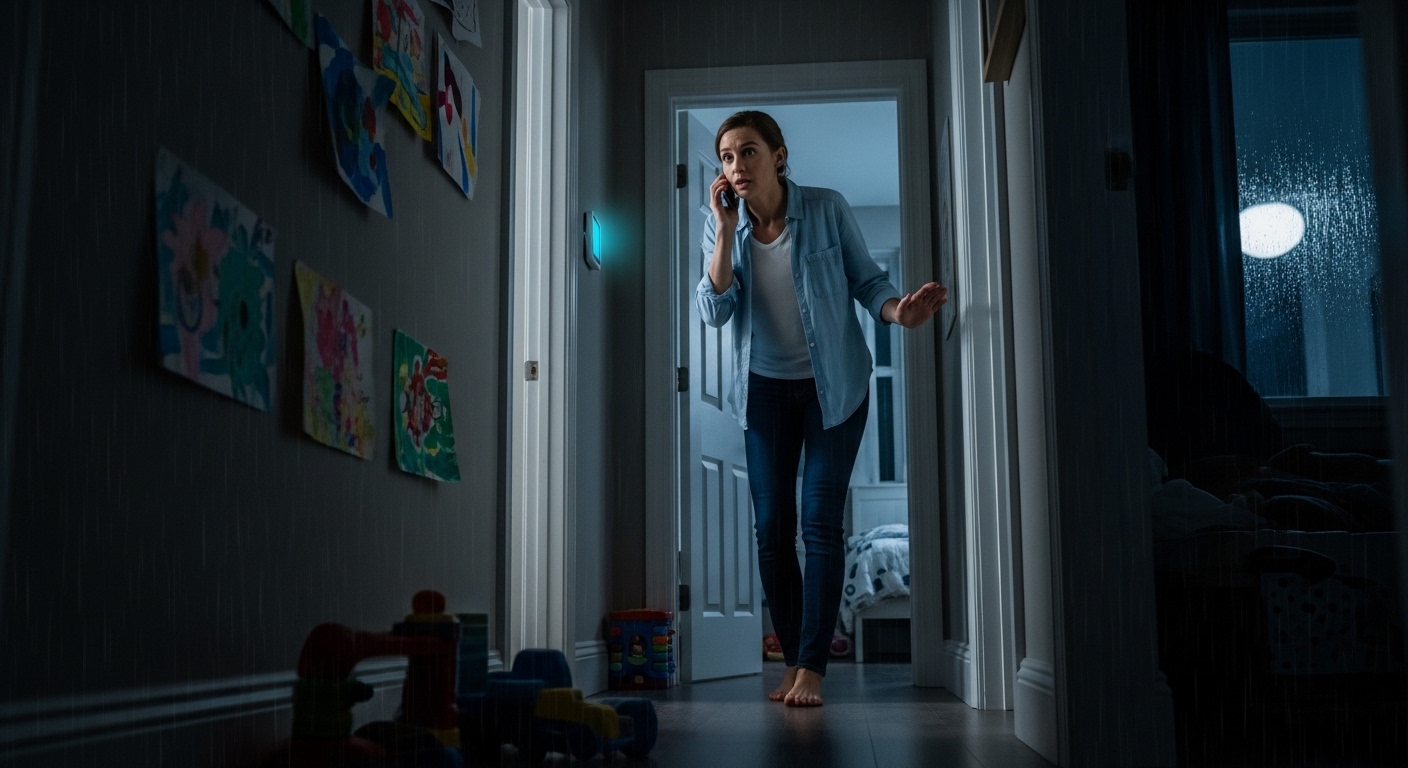
Scenario: You missed the verification call
This is the #1 reason alarms feel “slow.” Fix it by updating the call order and adding backups. If you are changing hardware too, look at Alarm system installation services.
Do this:
- Add two backup keyholders.
- Turn on text alerts in your app.
- Set a loud ringtone for monitoring calls.
Scenario: The alarm is real, but access is hard
Responders can’t help fast if they can’t get in. Put gate codes, unit numbers, and safe entry notes in your profile. Smart devices can help, like Smart home security integration services.
We recommend this:
- Write the closest entrance name.
- Add a gate code or lockbox note.
- Keep exterior lights working.
Scenario: Repeated false alarms
False alarms waste time and can lead to fees. Most come from bad sensor spots, low batteries, or user error. For better life-safety coverage, see Fire and smoke alarm installation services.
Here’s a simple path forward:
- Replace weak batteries.
- Clean and test sensors.
- Train everyone on arm and disarm.
Suggested plan:
Step 1: Book a profile check
Use the form to share your address and the best contacts. If you also want app control, Smart home security integration services Vancouver BC is a helpful add-on.
Step 2: Share your exact location
Send the full address, unit, and the best door to use. Add gate codes, buzzer numbers, and where pets are kept. Save this note in your phone so you can copy and paste fast during an alarm.
Step 3: Pick the right add-ons
Choose upgrades that reduce false alarms and speed verification. For better coverage in Vancouver, BC, check Motion sensor installation services Vancouver BC and set zones the right way.
City of Vancouver false alarm rules
If you are in Vancouver, it helps to know the city’s rules for repeat false alarms. The City false alarm page shows what happens after multiple false alarms and how permits are handled. Read it before you test your system again. Then update your contact list so the next call is answered fast.
FAQs
How fast is alarm response in Vancouver?
It depends on how fast the event can be verified and on local dispatch demand. The quickest wins are simple: answer the call, say the passcode, and confirm your address. If you miss the call, the process often slows down.
What verification steps should I expect?
Most setups use a contact list and a passcode. The station calls or texts you, then tries backups if you don’t answer. If you want stronger life-safety coverage, review Fire and smoke alarm installation services Vancouver BC so alerts are clear.
Will police always be dispatched?
Not always. Some events are not verified, or they are user error, and dispatch may not be requested. Keeping your keyholders current and your notes clear helps the right response happen.
How do I cut down false alarms?
Start with the basics: fresh batteries, clean sensors, and simple training for everyone. Don’t aim sensors at heat vents, moving curtains, or pets. After a false alarm, write down what caused it so it doesn’t repeat.
Can I change who gets called first?
Yes, in most cases you can set a call order. Put the person who answers fastest first. Add two backups in case you are driving or asleep.
What info should I give when I update my monitoring?
Give your full address, unit, and the best door to use. Add gate and buzzer codes, pet notes, and three keyholders with current phone numbers. Also confirm your passcode spelling so it’s easy to say on a call.